EasyAR development introduction
EasyAR makes AR development simple and efficient. With EasyAR, you can easily integrate augmented reality features into applications on various platforms.
EasyAR product overview
EasyAR provides three major products for AR development: EasyAR Mega, EasyAR CRS (Cloud Recognition Service), and EasyAR Sense.
EasyAR Megais a large-scene spatial recognition and localization service that provides AR capabilities for large-scale scenes and complex objects.EasyAR CRSis a high-performance cloud image recognition service that provides traditional image recognition AR capabilities.EasyAR Senseis an augmented reality SDK that provides cross-platform AR integration capabilities.
The following figure subdivides the product structure:
block
  columns 1
  block:groupTitle
    Title["EasyAR product structure diagram"]
  end
  block:groupTool
    Tool["Workflow tools"]
    MegaToolbox["Mega Toolbox"]
    MegaStudio["Mega Studio"]
    space
  end
  block:groupSDK
    SDK["SDK"]
    Sense["Sense"]
    SenseUnity["Sense<br>Unity Plugin"]
    MegaWeChat["Mega<br>WeChat MiniProgram Plugin"]
  end
  block:groupService
    Service["Cloud services"]
    Mega["Mega<br>Service"]
    SpatialMap["SpatialMap<br>Service"]
    CRS["Cloud Recognition<br>Service"]
  end

  style groupTitle fill:none,stroke:none,stroke-width:0px
  style Title fill:none,stroke:none,stroke-width:0px
  style Tool fill:none,stroke:none,stroke-width:0px
  style SDK fill:none,stroke:none,stroke-width:0px
  style Service fill:none,stroke:none,stroke-width:0px
- Cloud services provide large-scale recognition and localization capabilities
- Mega Service: the core component of
EasyAR Mega. - SpatialMap Service: the service that provides cloud support for the sparse spatial map of
EasyAR Sense. - Cloud Recognition Service: the core component of
EasyAR CRS.
- Mega Service: the core component of
- SDK provides rich local features and uses cloud services to provide more powerful capabilities
- Sense: the core SDK of
EasyAR Sense. - Sense Unity Plugin: the Unity plugin of
EasyAR Sense. - Mega WeChat MiniProgram Plugin: the WeChat Mini Program plugin of
EasyAR Mega.
- Sense: the core SDK of
- Workflow tools provide visual management and testing tools
- Mega Toolbox: the visual collection and testing tool of
EasyAR Mega. - Mega Studio: the visual editing and management tool of
EasyAR Mega.
- Mega Toolbox: the visual collection and testing tool of
When developing AR applications, one or more product modules may be used at the same time to meet functional requirements in different scenarios.
For example:
- When developing a coloring application, you can use Sense Unity Plugin to develop a cross-platform application in Unity, track images, and render 3D models.
- When developing a Live Photo application, you can use Sense to develop Android and iOS native applications that recognize and track photos and play videos; or use Cloud Recognition Service to provide cloud recognition services for massive photos, and call this service interface directly in a WeChat Mini Program to implement photo recognition.
- When developing an AR navigation application, you can use Mega Service to implement large-scene localization; use Sense Unity Plugin to call EasyAR Mega interfaces and the motion tracking feature of EasyAR Sense in Unity to implement AR navigation capabilities; and use Mega Toolbox to quickly verify localization and tracking effects.
EasyAR Mega provides these AR capabilities, which can be used to build AR applications for various platforms such as mobile applications and WeChat Mini Programs:
- Mega fixed space: suitable for large-space scenarios such as AR navigation, cultural tourism guides, landmark shows, and large-space games.
- Mega complex object: suitable for complex objects such as AR cultural relic explanations, factory training, AR collectible effects, and auto show marketing.
EasyAR CRS provides these AR capabilities, which can be used to build AR applications for various platforms such as mobile applications, WeChat Mini Programs, and Web applications:
- Image cloud recognition: suitable for large-scale image recognition scenarios such as AR picture books, cultural and creative products, TCG cards, and Live Photos.
EasyAR Sense provides these AR capabilities, which can be used to build AR applications for various platforms such as mobile phones, XR headsets, and PCs:
- Motion tracking: suitable for scenarios such as AR spatial brushes and remote collaboration.
- Plane detection: suitable for scenarios such as AR product display and virtual decoration.
- Sparse spatial map (room-level anchors): suitable for scenarios such as small-space interaction and games.
- Dense spatial map (meshing): suitable for scenarios such as environmental interaction games.
- Surface tracking (scaleless anchoring): suitable for scenarios such as AR spatial effects.
- Image tracking: suitable for scenarios such as AR cards, coloring, and brand marketing.
- Object tracking: suitable for scenarios such as AR globes.
In addition, EasyAR Sense can integrate and use the following cloud or advanced capabilities:
- Mega fixed space
- Mega complex object
- Image cloud recognition
Develop AR applications on different platforms
You can use EasyAR to develop AR applications on different platforms.
Unity (recommended)
Developing AR applications with Unity is a recommended approach. Unity enables efficient development of cross-platform 3D content and interactions.
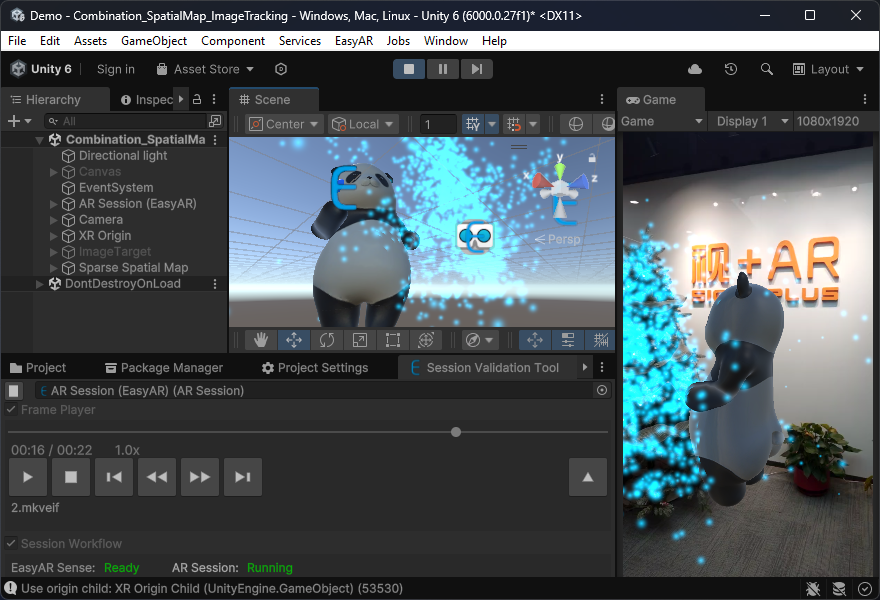
AR applications developed with Unity can use the following features:
- All features of
EasyAR Mega - All features of
EasyAR CRS - All features of
EasyAR Sense
AR applications developed with Unity can be published to the following devices and platforms:
- Android phones, tablets, and other devices
- iOS phones and tablets
- Various XR headsets
- Windows computers
- macOS computers
WeChat Mini Program
On the WeChat Mini Program platform, you can use the Mega WeChat MiniProgram Plugin or Cloud Recognition Service APIs to develop WeChat AR applications. In Mini Programs, you can use XR-Frame for 3D rendering and interaction development. You can also use other Web 3D engines, such as PlayCanvas or Three.js, but this requires relatively complex additional adaptation work.
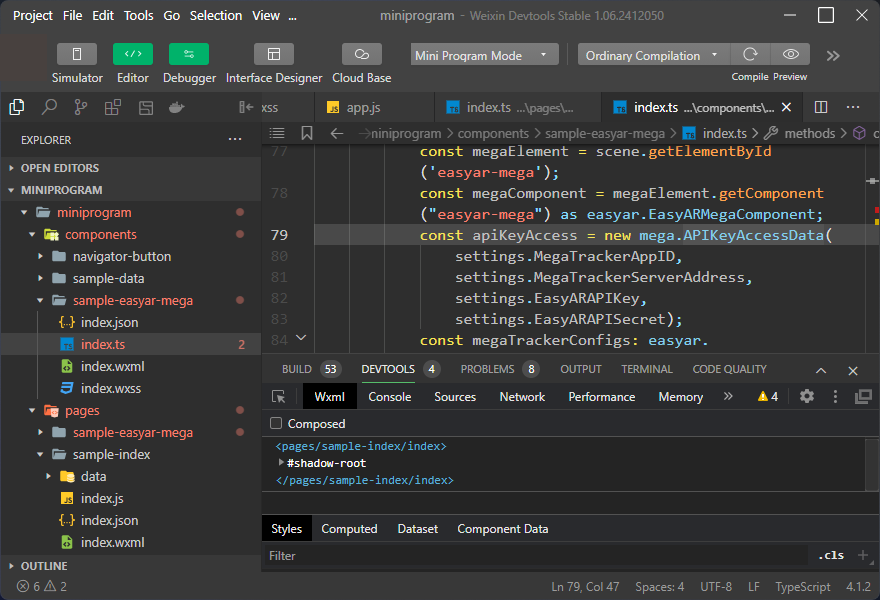
AR applications on the WeChat Mini Program platform can use the following features:
- All features of
EasyAR Mega(XR-Frame only) - All features of
EasyAR CRS - Motion tracking1
- Plane detection1
- Image tracking1 (cannot be used together with
EasyAR Mega) - Object tracking1 (cannot be used together with
EasyAR Mega)
On WeChat, we also provide mature solutions for AR navigation and AR culture and tourism. Contact EasyAR business support if needed.
Native applications
Directly using native APIs to develop AR applications is also possible, but not recommended. The main reason is that 3D content and interaction usually required by AR are relatively complex to implement without a 3D engine, and content production efficiency is low. This is generally recommended only for simple content such as drawing simple geometry or playing videos.
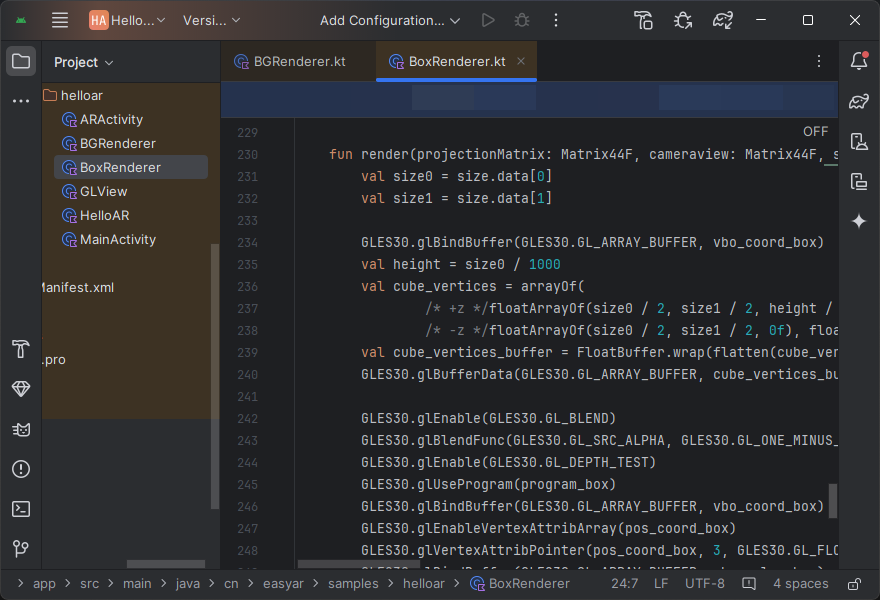
AR applications developed with native APIs can use the following features:
- All features of
EasyAR Mega - All features of
EasyAR CRS - All features of
EasyAR Sense
AR applications developed with native APIs can be published to the following devices and platforms:
- Android phones, tablets, and other devices
- iOS phones and tablets
- Various XR headsets2
- Windows computers
- macOS computers
Build your own AR platform
If you have developed a 3D engine, or want to use EasyAR in a 3D engine that EasyAR does not yet support, you can integrate EasyAR features into your 3D engine using the native SDK of EasyAR Sense. This process usually requires strong C/C++ development experience, as well as sufficient understanding and control of the 3D engine implementation. In general, we recommend this approach for enterprises that do not want to introduce Unity into their applications.
AR platforms or applications built in this way can use the following features:
- All features of
EasyAR Mega - All features of
EasyAR CRS - All features of
EasyAR Sense
AR platforms or applications built in this way can be published to the following devices and platforms:
- Android phones, tablets, and other devices
- iOS phones and tablets
- Various XR headsets2
- Windows computers
- macOS computers
Unreal
EasyAR support for Unreal is still experimental. Contact EasyAR business support to discuss custom development if needed.
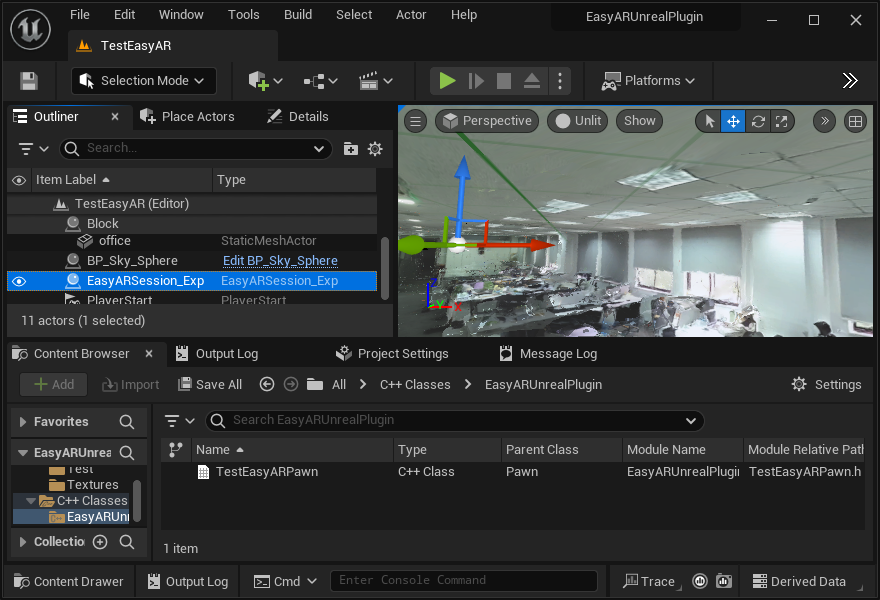
At the same time, if you or your team have good C/C++ development experience, especially some understanding of the Unreal Engine rendering pipeline and plugin development, you can consider integrating EasyAR features into Unreal Engine using the native SDK of EasyAR Sense.