Active Controller component reference
Switch to API
Explore the properties in the Active Controller component window to modify the active strategy.
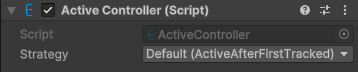
Component screenshot on origin under default conditions.
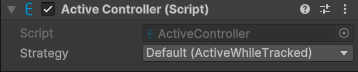
Component screenshot on target under default conditions.
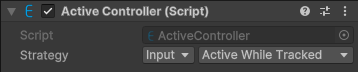
Component screenshot when the default strategy is overridden.
| Property |
Description |
| Strategy |
Options: - Default: use the default strategy.
- Input: use the specified strategy to override the default strategy.
When Input is selected, the optional strategies are: - Active While Tracked: when tracked, GameObject will be activated; when tracking is lost, GameObject will be deactivated.
- Active After First Tracked: before the first tracking, GameObject will be deactivated; once successfully tracked, GameObject will remain activated.
See: active control strategy |