Panorama environment window
After accessing Mega Blocks with the login component, you can use the panorama preview function to view the panorama corresponding to a Mega Block. You can also use this function to assist content annotation.
Note
To use this function, you must collect data with GoPro Max/Max2 and ensure that the mapping version is later than v8.1.
Note
Starting from version 2.13, Unity application development should use the block editor tool.
Enable panorama markers
You can log in using one of the components:
Block Viewer for Unity Developer,Block Viewer, orAnnotation Tool. After logging in, you need to load the Block first.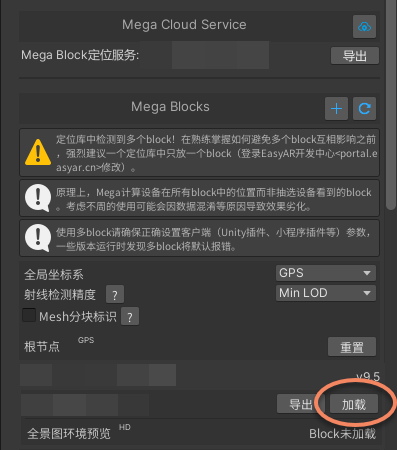
After the Block is loaded, the status of "Panorama environment preview" below changes from
Block not loadedto theLoadbutton.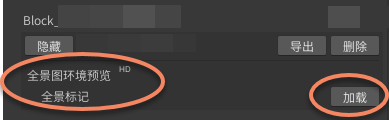
After clicking the
Loadbutton of "Panorama environment preview", Mega panorama spheres are displayed in the Mesh in Unity Scene.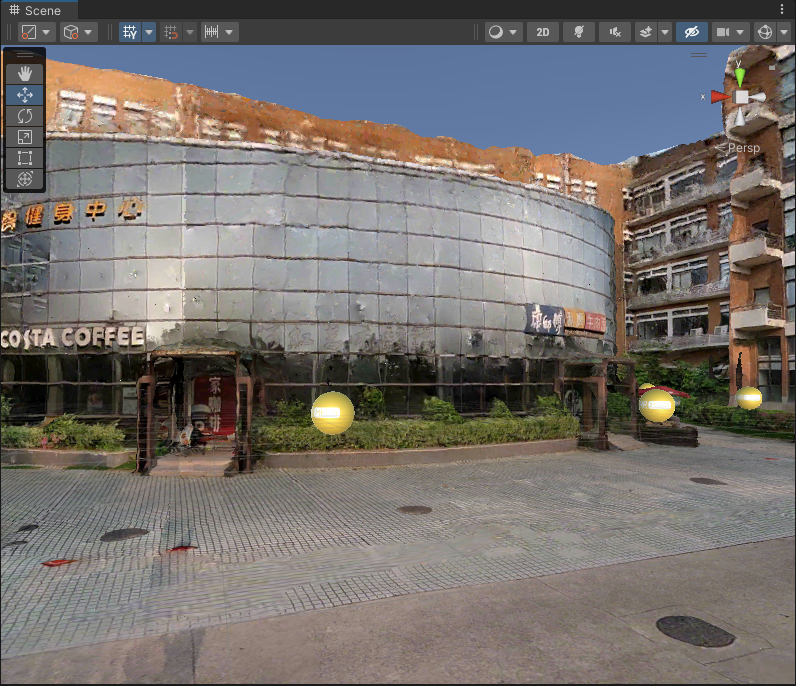
Click any panorama sphere to open a "MegaPanorama" display window. This window shows the panorama corresponding to that panorama sphere.
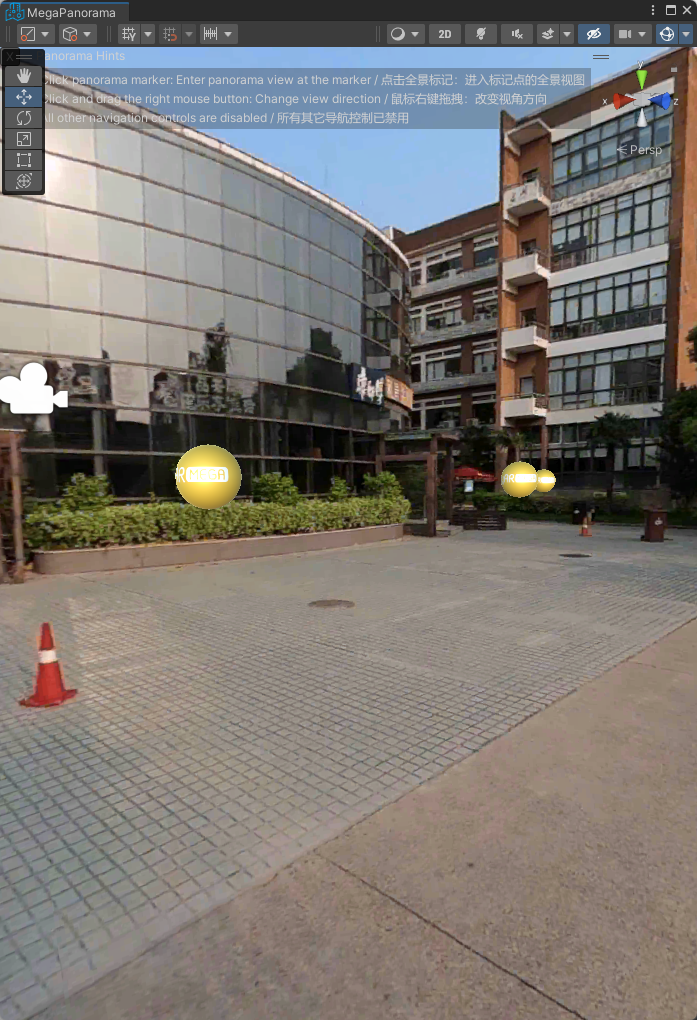
Hide and delete panorama markers
After "Panorama environment preview" is loaded, the
Loadbutton changes to aDeletebutton. Click theDeletebutton, and the panorama spheres in the Mesh and the "MegaPanorama" window disappear.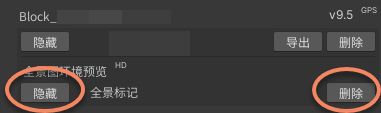
After clicking the
Hidebutton, the panorama spheres in the Mesh and the "MegaPanorama" window are hidden. You can click theShowbutton to display all panorama spheres again.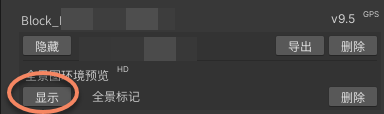
Switch and browse panoramas
- Switch panorama: click any panorama sphere in the Mesh in Unity Scene to switch, or click another panorama sphere in the "MegaPanorama" window; the window switches to the clicked panorama.
- Browse panorama: in the "MegaPanorama" display window, use the right mouse button to view different angles of the panorama.